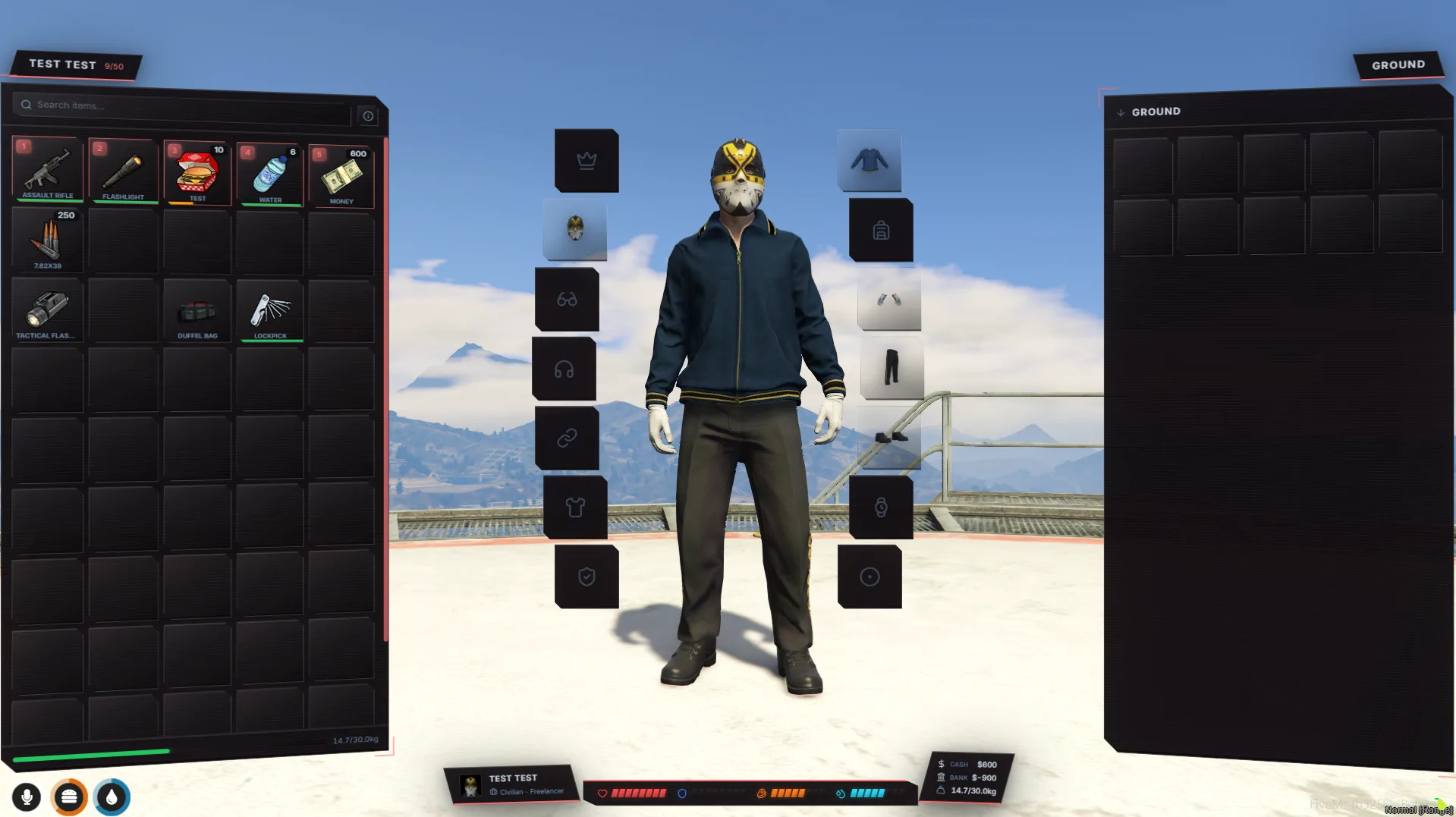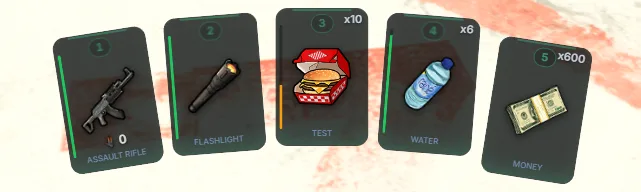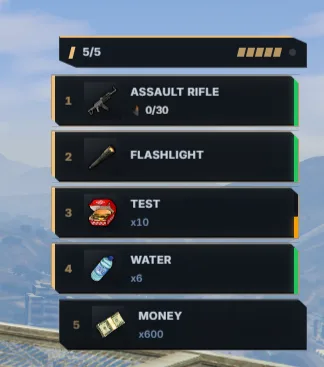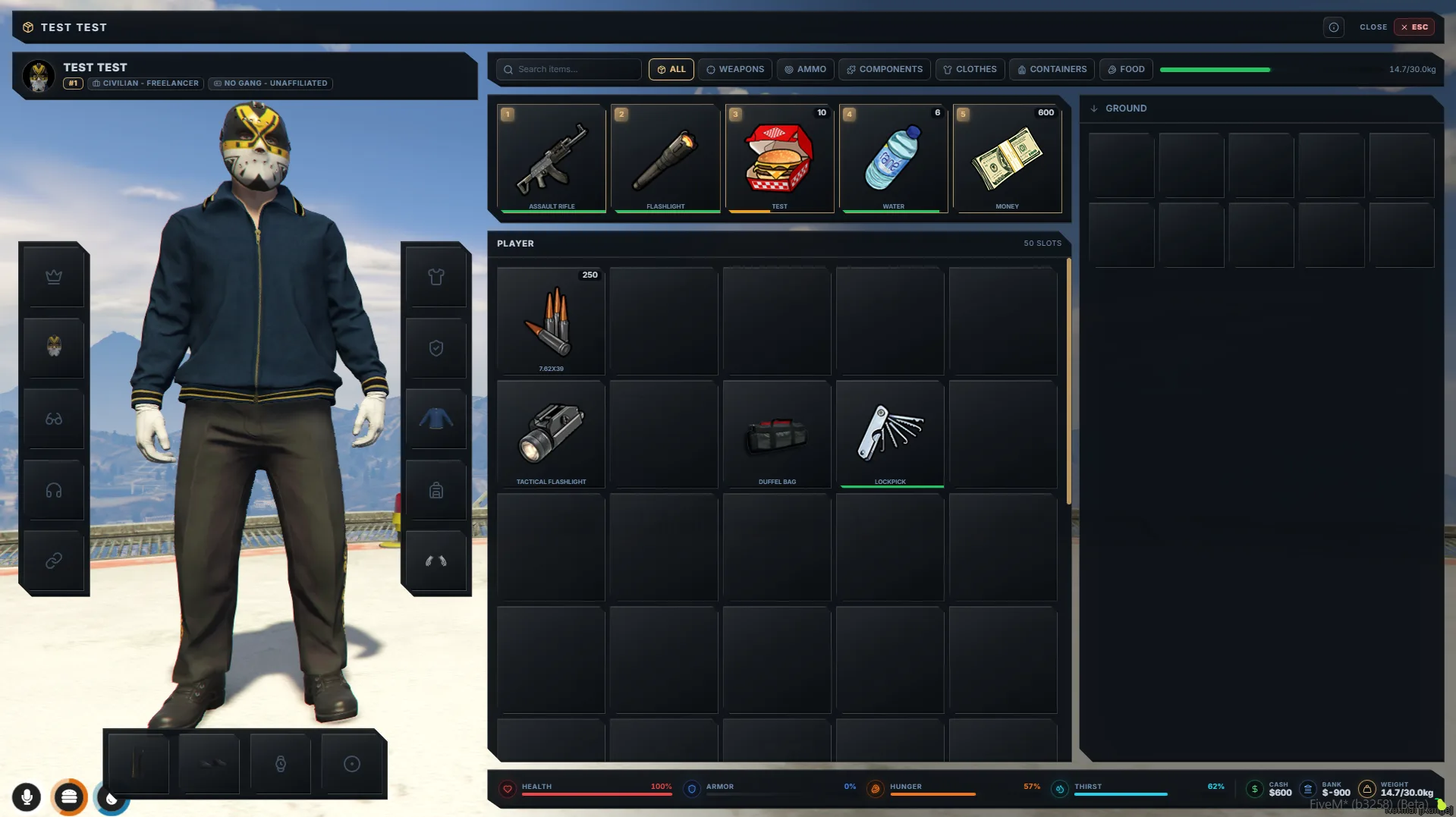
One Inventory now provides the ox_inventory resource name, so scripts that look for ox find it and keep working across restarts, and migration no longer needs the old inventory running. This release also adds prop locations for stashes and benches, prop-model shops, cash-or-bank shops, separate holster animations, double-click to use, and a long list of fixes. Scroll to Updating for exactly which files to replace, add, and remove.
⚠️ Before you update
- Remove
ensure ox_inventoryfrom server.cfg. One Inventory now provides theox_inventoryname. A real ox_inventory that is still started takes the name over and the compatibility layer steps aside until it is stopped. Migrating from it? Keep its folder under another name (for exampleox_inventory_old) if you still want to import its definitions. See Migrate Inventory. - QBox patches 5 and 6 are no longer needed.
dependency 'ox_inventory'lines in ox_fuel and qbx_ambulancejob now resolve to One Inventory; removed lines can stay removed. Patch 1 is still required. See QBox. - ox hook payloads now use ox's inventory ids. Hooks registered through
exports.ox_inventory:registerHookreceive the stash name,trunk<plate>,glove<plate>anddrop-<id>instead of One Inventory's prefixed ids, so filters and comparisons written for ox match. If you matched the prefixed form inside an ox hook, update the pattern. NativebeforeXhooks are unchanged. See Backwards Compatibility.
✨ Added
- Drop-in ox_inventory replacement.
GetResourceState('ox_inventory'),dependency 'ox_inventory'and theexports.ox_inventoryfunctions all resolve to One Inventory, and they surviverestart one_inventory: consuming scripts refresh their exports and re-register their hooks exactly as with the real ox_inventory. See Backwards Compatibility. - Migration reads ox data from the database. The wizard detects ox_inventory from its database table, so the old resource no longer has to run. Definitions are read from any renamed copy of the folder; without one, inventories still migrate and the wizard says definitions are unavailable. The adapter card shows where the source was found, the container count, and the date of a completed migration. See Migrate Inventory.
- Prop locations for stashes and crafting benches. A new "Prop (Object)" location type spawns a locker, shelf, crate or workbench at the spot you place it in-game (walk there, adjust rotation and height, save). Players interact through your target script, or with a TextUI prompt when none is running. (suggested on Discord and here)
- Prop-model shops. A shop can be bound to one or more object models, so every vending machine or counter of that model sells its inventory, with nothing to place. The ox migration imports ox's model shops into it. (suggested on Discord)
- Cash or bank shops. A shop set to "Cash or Bank" lets the buyer pick the account on every purchase, including drag-to-buy. (suggested on Discord)
- Separate holster animation. Weapons have a Draw and a Holster animation; Holster defaults to "Same as draw animation", and a new
weapon_holsteranimation is seeded and pre-selected for new weapons. (suggested on Discord) - Clear vehicle storage on destruction. An optional Gameplay setting wipes a vehicle's trunk and glovebox when the vehicle is actually destroyed, never on damage alone. Off by default; wipes are logged. (suggested on Discord)
- Drag-to-buy into the slot you choose. Dragging a shop item onto an empty slot puts it there, even when a stackable copy sits elsewhere. (suggested on Discord and here)
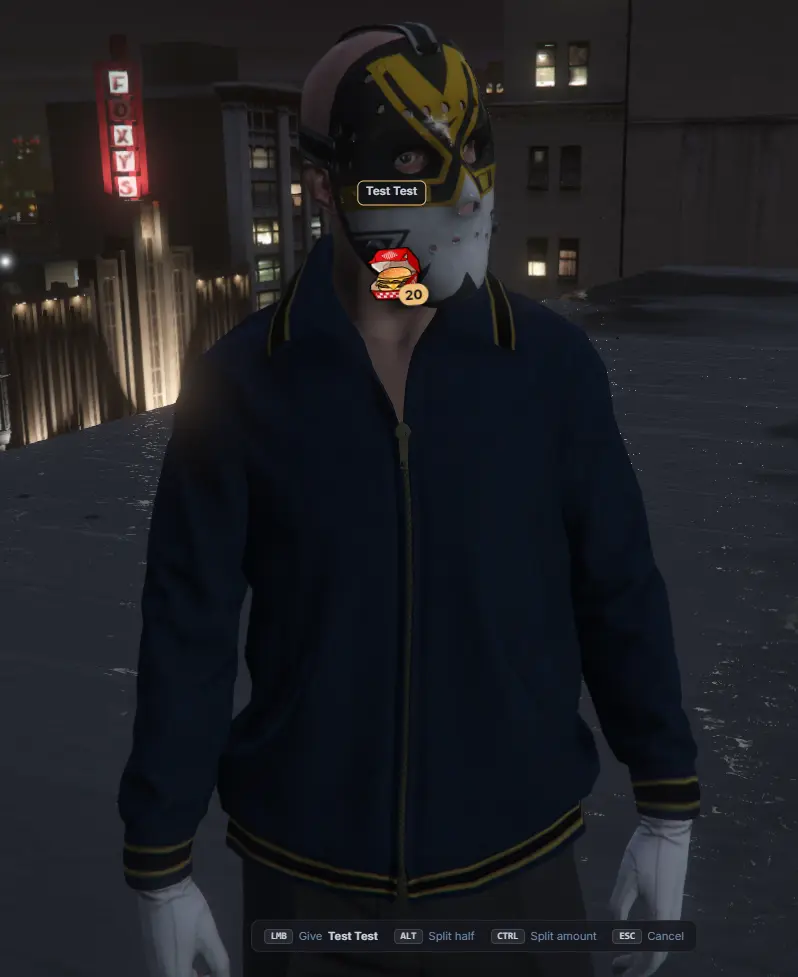
- Double-click to use or open. Double-clicking a usable item uses it, double-clicking a backpack opens it, wherever the context menu offers the same action. The hotbar key of a backpack slot now opens the inventory with that bag. The hover hints and the keybinds dialog show the shortcut. (suggested on Discord)
- Rename a backpack from its modal. A pencil icon in the container modal header renames your own bag; the label updates live for everyone viewing it. (suggested on Discord)
- Duplicate an item. Copies every setting of an item into a new unsaved item so you only fill in the name. (suggested on Discord)
- Rarity column. The admin Items table shows each item's rarity. (suggested on Discord)
- Drop prop collision toggle. Turn off collision on drop props so drops can no longer be stacked into a road block. On by default. (suggested on Discord)
- HUD updates on QB status changes. Hunger and thirst changes from used items now reach HUD resources such as jg-hud.
🔌 Exports
RegisterItemButton(server). Can now be called while your resource starts; buttons registered before definitions are loaded apply once they are.RegisterShop(server).currencyacceptsbothfor cash-or-bank shops.- ox compatibility (server and client). New
Inventory,ItemList,GetInventoriesandSwapSlotson the server andItemListon the client.RegisterStash,setPlayerInventory,weaponWheel,setStashTarget,suppressItemNotificationsandsetGetPlayerNameMethodare accepted as no-ops, andRegisterStashalso answers onexports.one_inventory. See Backwards Compatibility.
🪝 Hooks & events
- Shop payloads.
beforeShopPurchaseandonShopPurchasedreport the account actually charged incurrency, andtoSlotis the slot the buyer dropped the item on (nilfor auto placement). See Hooks. - Hook logging. With debug prints on, every hook registration, removal and cancel is logged with the owning resource, its filters and the inventories involved, and all active hooks are listed once the server is ready. See Hooks.
🛠️ Fixed
- Inventories load again on FiveM server artifacts from mid-August 2026 onward, which failed with a "protected metatable" error and left players without an inventory.
- ox
GetItemSlotsno longer errors and now returns the slots, total count and free slots like ox. - ox
RemoveInventoryno longer wipes the contents of stashes and trunks; it only evicts the inventory from memory like ox. - ox
Items('WEAPON_PISTOL')finds weapons regardless of casing. - ox
ClearInventoryaccepts a single item name forkeep, and clears a stash that nobody has opened yet. - Compatibility export failures are now reported in red in the server console, with the calling resource and the export name, instead of only in debug output.
RegisterStashcalls no longer print errors; stashes are created the first time they are opened.- Calling an ox-only name on
exports.one_inventorynow tells you which resource called it and which export to use. - A hook cancelling an action is logged with the resource that owns it instead of a bare id.
RegisterItemButtonno longer fails with "no definition named" when called while a resource starts.- The migration wizard's "already populated players" count is correct on QBox.
- The Overview page's competing-inventory badge is live instead of a boot-time snapshot.
- Crafting benches with the NPC location type are saved as NPC instead of marker, and the ped shows without a restart.
- Switching an existing bench from marker to target keeps the zone defaults, and the table badge shows NPC and Prop benches correctly.
- The Arc hotbar layout fits all 10 slots on screen, and large item counts no longer overlap the key number.
♻️ Changed
- NPC location editor. Shops, crafting benches and licenses share the same card layout as marker and target locations: X/Y/Z and heading fields, pick and delete per row, add and place in-game buttons. Model and scenario pickers show an explicit "Use ..." row for custom values.
📦 Updating
Back up your install first, especially any open-source files you've edited. folder/* below means every file in that folder; folder/**/* means every file in it and its subfolders.
Replace with the new build:
fxmanifest.lua,init.luaclient/utils.lua,client/modules/*,client/compat/*server/main.lua,server/utils.lua,server/seed.lua,server/modules/*,server/classes/**/*,server/compat/*web/dist/**/*locales/*(keys were added and changed across every locale file). Replace wholesale, or merge with a diff tool if you maintain custom languages.
Open-source files (re-apply your local edits, or merge by hand). Only the functions to re-check are listed:
server/integrations/qb.lua:Framework.ApplyStatusfunction
Server config and setup:
- Remove
ensure ox_inventoryfromserver.cfgif it is still there (see Before you update). - QBox: patches 5 and 6 from the install guide are no longer needed; patches 1 to 4 stay. See QBox.
No SQL to run: the new one_inv_migrations table, the weapon holster column and the seeded weapon_holster animation are created automatically on first start.
Restart the server after updating. Restarting one_inventory on its own is now safe for the compatibility exports as well.
Looking for the developer API? See the documentation. 📚